MINIX launched NEO Z83-4 Cherry Trail mini PC last year, but the company has now launched NEO Z83-4 Pro, an updated version with a slightly faster Atom X5-Z8350 processor, Windows 10 Pro (instead of Home), and a a VESA mount kit. I’ve already checked the hardware in the first part of the review, so today I’ll report my experience with Windows 10 Pro. Windows 10 Home vs Windows 10 Pro My main computer runs Ubuntu 16.04, and I’m only using Windows 10 during reviews… But so far all other mini PCs I tried came with Windows 10 Home, and NEO Z83-4 Pro is my first Windows 10 Pro computer. So I had to educate myself, and Microsoft website has a comparison between the two versions of Windows 10. Windows 10 Pro supports all features of Windows 10 Home, plus the following: Security Windows Information Protection – Formerly Enterprise Data Protection […]
WebAssembly is a Cross-Platform, Cross-Browser Solution for High Performance Code in Web Browsers
Most code running in a web browser runs much slower than native code (C/C++/ assembly), and it’s fine for many applications, but some others requiring higher performance like software video decoding would have to relies on native code, initially provided via browser plugins, but then Google introduced PNaCL (Portable Native Client) allowing to run native code on multiple targets (ARM, Intel, etc..) but in Chrome browser only, and now one of Chrome developers has explained that the community has moved to WebAssembly. WebAssembly works just as well as PNaCl, and is already natively supported by Chrome and Firefox, with support added to preview versions of Microsoft Edge and Apple Safari browsers.Since it works just as well as PNaCL, and adoption of the later is low enough, Google decided to drop support for PNaCl in the Chrome browser in Q1 2018, except inside Chrome Apps and Extensions. To get a feel […]
Headless Mode to be Supported in Chrome and Firefox Browsers
Good news! You can now use Chrome browser without display… Wait… What? While most users want to actually see the page they load in a web browser, some may want to run their browser in a server without display. Headless mode in web browsers can be used for automated testing requiring loading web pages, extracting metadata, generating bitmaps from page contents, etc… It’s been possible to do so in the past using Xvfb to emulate a framebuffer tricking the browsers to believe there was a display in Linux. But now headless mode is build-in right into browsers, so you don’t need X server running at all, and beside Linux, it will also work in Windows, and Mac OS. You can launch headless mode in Chrome 59 (currently in dev channel) as follows:
|
1 |
google-chrome-unstable --headless --remote-debugging-port=9222 http://www.cnx-software.com |
You may want to add –disable gpu option to remove an error message. Then go to http://localhost:9222, […]
Review of Vorke V1 mini PC Powered by Intel Celeron J3160 Processor
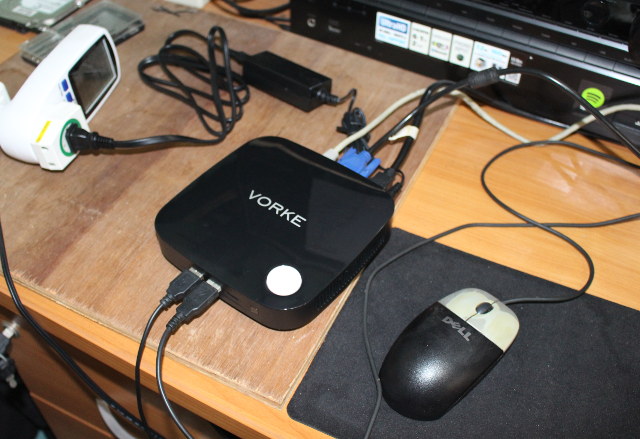
After checking out Vorke V1 mini PC hardware in the first part of the review, it’s now time to publish the review starting with system information, benchmarks, and user testing. The device competes with similarly priced devices based on Intel Atom x7 processor such as Voyo V3 and Beelink BT7, so I’ll also include some comparisons to those in the review. Setup and System Information I connected USB keyboard and mouse, an Ethernet cable, HDMI and VGA cables to check dual display support, as well as the power supply. I did not connect my USB 3.0 hard drive since, I’ve already fitted the mini PC with an internal 1TB hard drive. Pressing on the large power button on the top of the device will boot it, and after a few seconds, you’ll get to go through Windows 10 setup by first accepting the EULA. The next steps are Custom or […]
Improve YouTube Video Playback on Low Power Intel mini PCs by Disabling VP9 Support in Chrome or Firefox
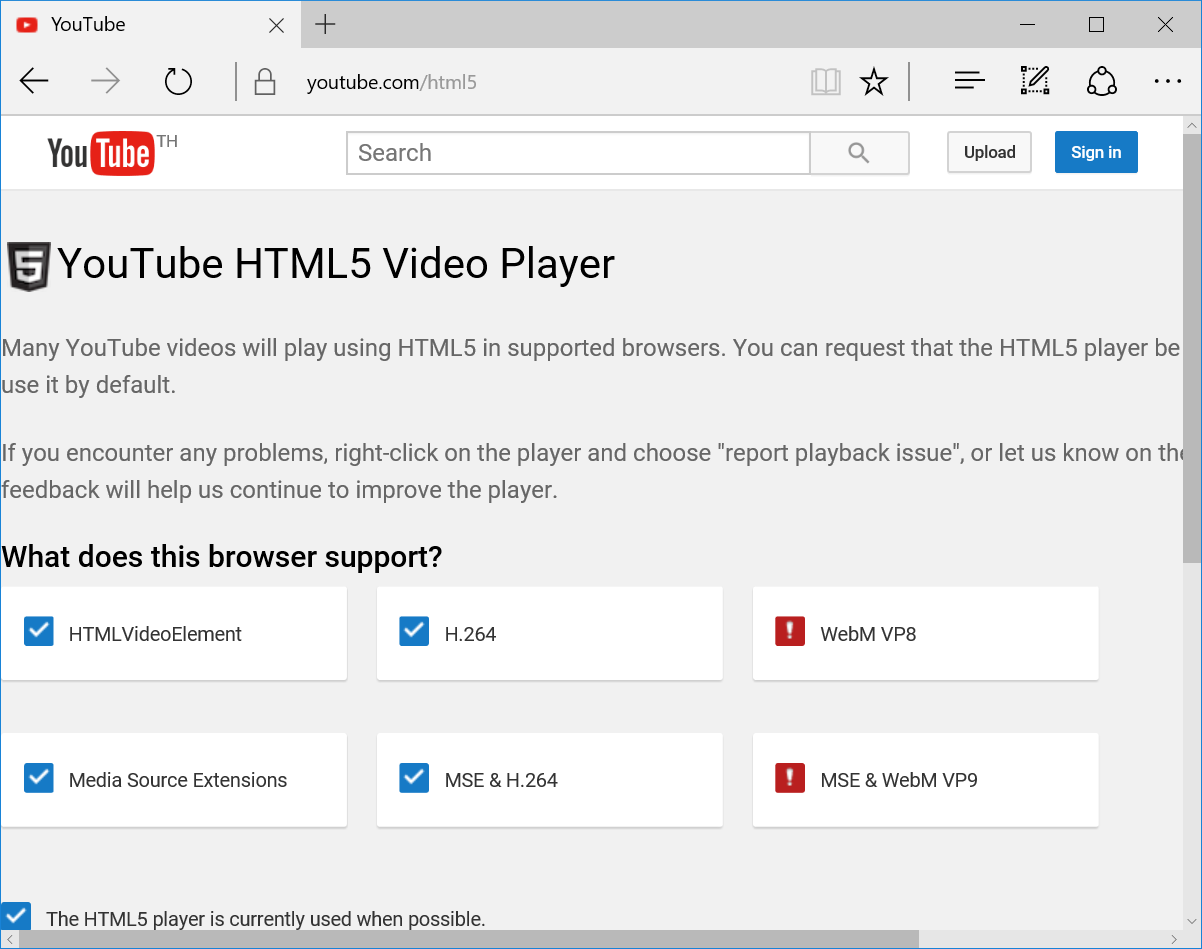
I’ve been reviewing several Intel Bay Trail, Cherry Trail, and Braswell mini PCs in the last year or so, and I always end up recommending Microsoft Edge browser over Firefox or Chrome for people wanting to watch YouTube videos, as the last two browsers always drop many frames with the video stuttering regularly. However I noticed that while Edge is playing MP4/AVC (H.264) video, the other two browser would normally stream WebM/VP9 videos, and it could be the cause of the problem as H.264 can be hardware accelerated, but VP9 not, and the low power processor might not quite powerful enough to handle 1080p VP9 video decoding smoothly. So I investigated the issues with Vorke V1 mini PC powered by an Intel Celeron J3160 processor (6W TDP) with the three browsers by first checking enabled codecs in YouTube HTML5 page. Microsoft Edge has both VP8 and VP9 disabled When I […]
Star Cloud PCG02U Ubuntu 14.04 TV Stick Review
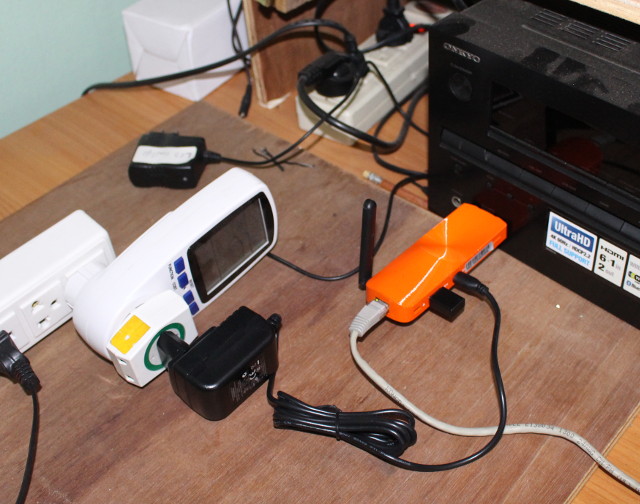
Star Cloud PCG02U is the first Ubuntu product from MeLE. After taking a few pictures of the TV stick and the board, I’ve tested the performance and functionality of the device. First Boot and Setup You can either connected the stick directly into an HDMI port, or using the provided female to female adapter via an HDMI cable. I’ve opted to insert the device directly into the AUX port of my Onkyo A/V receiver itself connected to my TV. Since there’s only one USB host port, USB keyboard and mouse are not convenient since it would add a USB hub, so I went with Logitech MK270r wireless mouse & keyboard combo instead. You can either used Ethernet or WiFi for Internet connectivity, and I opted for the latter for most of the review, but WiFi is also working fine. The final step is to connect the power supply into the […]
Matricom G-Box Q2 Android TV Box Review
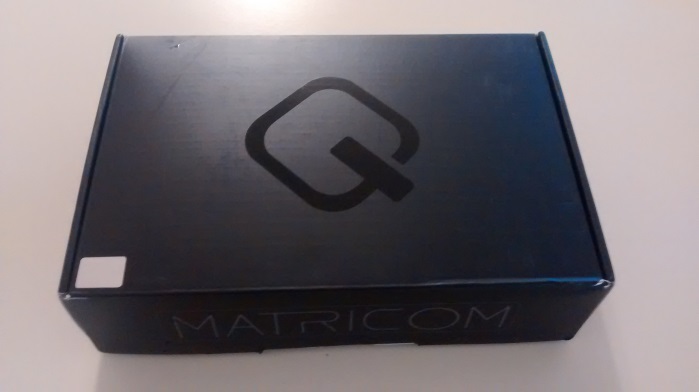
Another guest review from Karl, this time, with Matricom G-Box Q2 Android 5.1 TV box based on Amlogic S812 processor. First Impressions Today I will be reviewing the G-Box Q2 by Matricom. This is a follow up device to the popular G-Box Q. The first day I plugged it in and did some basic first impressions I thought it was laggy…..but after using it and setting up the way I am accustomed to using it…I found it very fast and responsive. From the time power is applied to launcher is loaded is about 33 seconds. The software seems solid and I ran into only minor issues. It got very respectable scores between 38000 and 42000 on Antutu. The box does have a lot of software that I am not a fan of, but these can be easily uninstalled. The launcher that comes with it is ok but I prefer a […]
Android, Chromium OS, and Ubuntu on Intel Atom x5 Compute Stick. What Works, What Doesn’t.
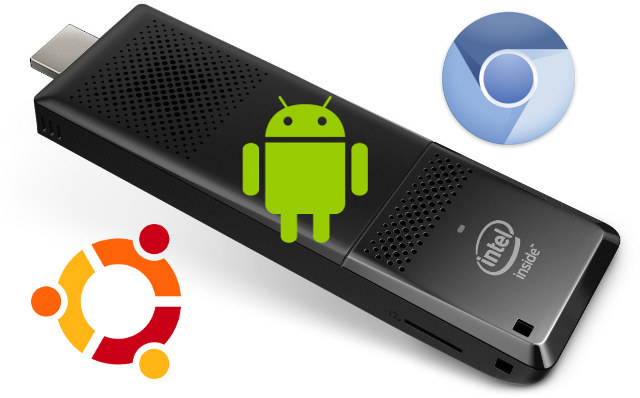
The latest “STK1AW32SC” Intel Compute Stick, also called Sterling City, is powered by an Intel Atom x5-Z8300 processor with 2GB RAM and 32GB storage, and pre-loaded with Windows 10. There’s also a version with operating systems dubbed STK1A32SC, but currently only the Windows version is available on Amazon US. That doesn’t not mean you can’t try to install other operating systems on the TV stick, and that’s exactly what Ian Morrison has done with Android 4.4 & 5.1, Phoenix OS, Remix OS (alpha), Chromium OS, and Ubuntu. If you want to know how to install the operating systems, you can follow the instructions for Ubuntu , Chromium OS, or Android/ Remix OS/ Phoenix OS. Bear in mind that installing Android also require that you install Ubuntu first, and there are quite a lot of steps, and once you’ve installed Chromium OS, you could also run Ubuntu using Crouton. So […]