youtube News - CNX Software - Embedded Systems News

MUSE Book laptop review – Testing an octa-core RISC-V Linux laptop in 2026

MUSE Book RISC-V Laptop Review 2026

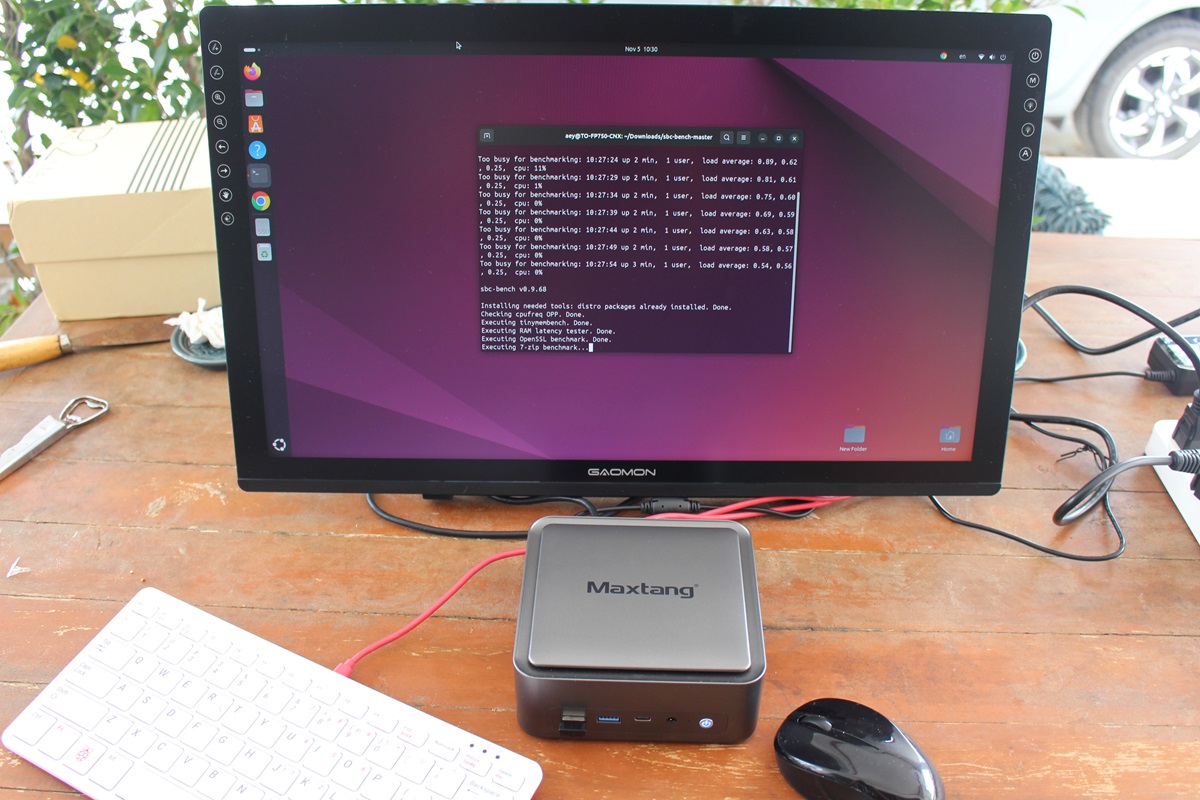
SpacemiT sent me a sample of the MUSE Book RISC-V Linux laptop for review. It’s based on the SpacemiT K1/M1 octa-core 64-bit RISC-V SoC, ships with up to 16 GB of RAM, eMMC flash and/or NVMe SSD, and features a 14.1-inch IPS display with 1920×1080 resolution, WiFi 6 connectivity, a few USB ports, and more. I won’t go through all the hardware specifications since Leo already did that when he wrote about the MUSE Book Laptop in April 2024, along with a teardown, and additional details about the SpacemiT K1/M1 SoC. I’ll still do an unboxing and quickly check the hardware, but I’ll focus on the software part to show the progress with Bianbu OS 2.3 (Ubuntu 24.04-based) on RISC-V hardware, as I just did for the low-end StarFive JH7110S-based VisionFive 2 Lite SBC. It’s quite a long review, so if you are short on time, you can jump directly […]

VisionFive 2 Lite SBC Review – Ubuntu 24.04 on a low-cost RISC-V SBC in 2026

VisionFive 2 Lite RISC-V SBC Ubuntu Review 2026

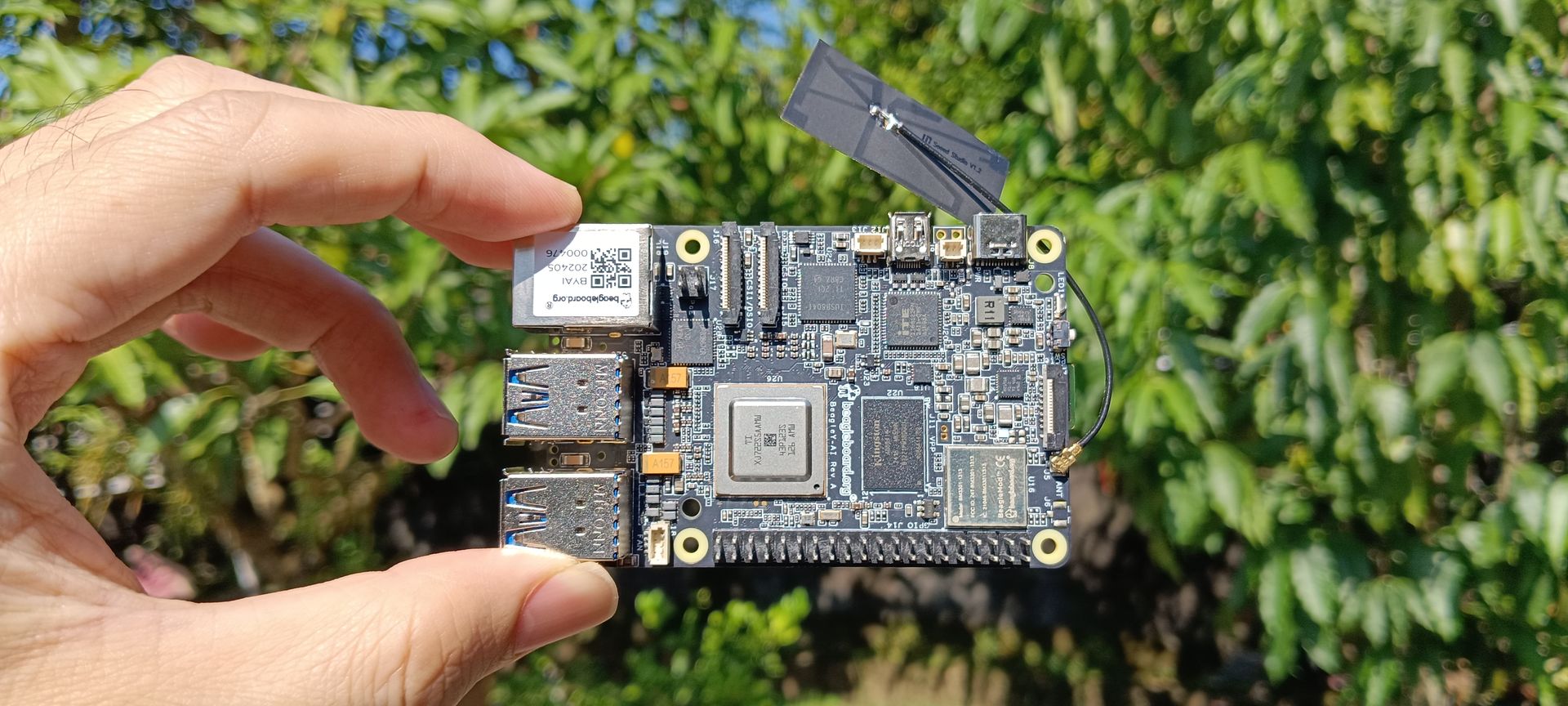
StarFive has sent me a sample of the VisionFive 2 Lite RISC-V SBC for review. It’s a low-cost credit card-sized board based on the StarFive JH7110S quad-core RISC-V SBC and designed to get started with Linux RISC-V on the cheap. When I first tested the earlier VisionFive 2 SBC with a StarFive JH7110 RISC-V SoC in February 2023, I didn’t call it a review, but rather a hands-on experience, since, at the time, many features still didn’t work properly. Almost three years have passed since then, so reviewing the VisionFive 2 Lite SBC with Ubuntu 24.04 will allow us to see how much progress has been made on the software side. If you are in a rush, you can jump to the what works, what doesn’t section. VisionFive 2 Lite unboxing I received the board in a plastic box with a cover reading “VisionFive 2 Lite Your Gateway to RISC-V”. […]

Beelink EQi13 Pro Review – Part 3: Ubuntu 24.04 on an Intel Core i5-13500H mini PC

Beelink EQi13 Pro mini PC review Ubuntu 24.04

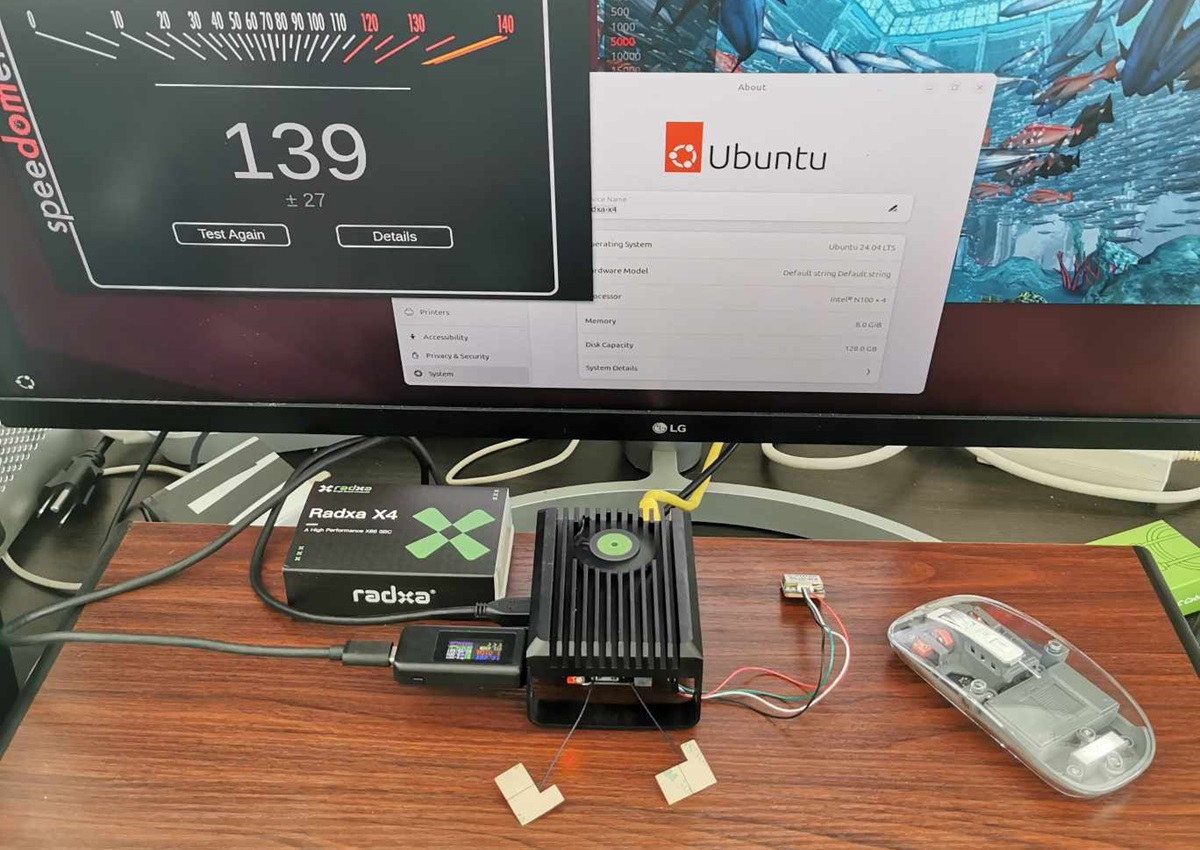
We’ve already checked out the hardware of the Beelink EQi13 Pro in the first part of the review, and followed up with a detailed review of the Intel Core i5-13500H mini PC running Windows 11 Pro. We’ve now taken the time to test the Beelink EQi13 Pro with Ubuntu 24.04 to find out how well (or not) it performs on Linux. We will specifically report our experience testing features, running benchmarks, checking out the SSD and USB ports, evaluating Gigabit Ethernet and WiFi 6 networking performance, and finally stress testing the mini PC, before measuring the fan noise and power consumption of the mini PC under Linux. Ubuntu 24.04 installation Since the plan is to install Ubuntu 24.04 LTS alongside Windows 11 in a dual-boot configuration, we shrank the Windows 11 partition to about half its size before inserting a USB drive prepared with the Ubuntu 24.04 ISO to start […]

Beelink EQi13 Pro Review – Part 2: A mid-range Intel Core i5-13500H mini PC tested with Windows 11 Pro

Beelink EQi13 Pro mini PC review windows 11

We’ve already checked out the specifications, gone through an unboxing and a teardown, and booted the Beelink EQi13 Pro mini PC to Windows 11 Pro in the first part of the review. Since then, we’ve had more time to test the Intel Core i5-13500H 12-core/16-thread Raptor Lake mini PC with Windows 11 Pro in detail. So we’ll now report our experience with features testing, benchmarks, Ethernet and WiFi performance evaluation, 4K and 8K YouTube video playback, and measurements of fan noise and power consumption for the Beelink EQi13 Pro mid-range mini PC. Software overview and features testing After performing all updates, the System->About window confirms the Beelink EQi13 Pro is equipped with an  Intel Core i5-13500H CPU with 32GB RAM running Windows 11 Pro version 24H2, build 26100.2033. HWiNFO 64 utility provides more information about the Intel Core i5-13500H 12-core (4P+E) /16-thread (8P+8E) Raptor Lake-H processor, the AZW BQ motherboard, […]

GEEKOM Mini IT12 2025 Edition Review – Part 3: Ubuntu 24.04 on an Intel Core i7-1280P mini PC

GEEKOM Mini IT12 2025 Edition review performance ubuntu 24.04

We’ve already checked out GEEKOM Mini IT12 2025 Edition mini PC’s hardware with an unboxing and a teardown, and tested the Intel Core i7-1280P mini PC with Windows 11 Pro in detail in the second part of the review. We’ve now had time to test the Mini IT12 2025 Edition mini PC with Ubuntu 24.04, so we’ll report our experience with Linux in the third part of the review. We’ll specifically go through system information, test key features, benchmark the system and compare it against the earlier Mini IT12 “2023 Edition” powered by an Intel Core i7-12650H processor, because checking out storage and USB performance, WiFi 6 and 2.5GbE network performance, stress testing the mini PC, and finally measuring fan noise and power consumption. Ubuntu 24.04 installation We decided to install Ubuntu 24.04 LTS alongside Windows 11 in a dual-boot configuration, so we resized the Windows 11 partition by about […]

GEEKOM Mini IT12 2025 Edition mini PC review – Part 2: Windows 11 Pro features testing, benchmarks, power consumption

GEEKOM Mini IT12 205 Edition Mini PC review Intel Core i7-1280P Windows 11 Pro

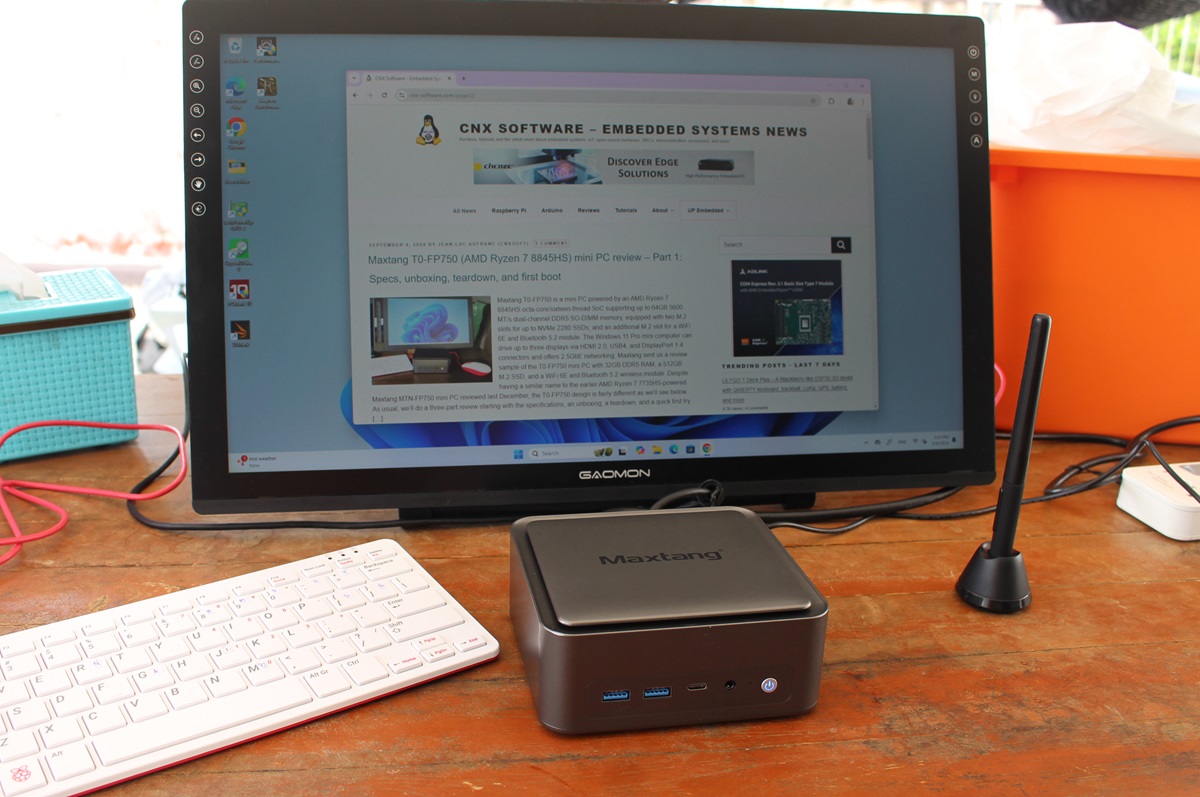
We have already checked out the hardware of the GEEKOM Mini IT12 2025 Edition mini PC with an unboxing and a teardown in the first part of the review. The new model still relies on a 12th Intel processor, and simply replaced the 10-core Intel Core i7-12650H by a more powerful 14-core Intel Core i7-1280P processor still coupled with 32GB of DDR4 RAM and a 1TB M.2 SSD, although the brands and models of the RAM, storage, and wireless modules have changed. In the second part of the review, we will be testing the GEEKOM Mini IT12 2025 Edition mini PC with the pre-installed Windows 11 Pro in detail, notably testing most features and running benchmarks before comparing it to the (2023 Edition) Mini IT12 mini PC with an Intel Core i7-12650H processor. We’ll also test 2.5GbE and WiFi 6 networking, cooling performance, and finally measure fan noise and power […]

Radxa Orion O6 Preview – Part 2: Debian 12 – What works, what doesn’t

Orion O6 Review Debian 12

I went through an unboxing and Debian 12 installation on the Radxa Orion O6 at the end of January, but decided to work on other reviews since software support still needed to be worked on. Since then, there’s been some work done, but no new image released. After waiting for almost two months, I’ve decided to carry on with the review by testing the Debian 12 image in a way similar to the Rock 5B SBC preview I did with Debian 11 in 2022 to check what works and what doesn’t on the Orion O6 at the time of the review. That will involve testing all ports, including 5GbE networking and the PCIe slot with an (old) NVIDIA graphics card, running some benchmarks, and also trying the Debian 12 image with a self-built Linux 6.13 kernel using ACPI instead of UEFI for the default image. Orion O6 SBC benchmarks on […]

UP Squared 7100 Review – Part 2: An Intel N100 fanless SBC preloaded with Ubuntu Pro 24.04

UP Squared 7100 Ubuntu Pro 24.04 Review

I’ve already checked out the hardware of the UP Squared 7100 fanless SBC in the first part of the review with an unboxing and first boot to Ubuntu Pro 24.04. I’ve now had time to test the features of the Intel N100 SBC with Ubuntu Pro, so I’ll report my experience with the system in this second part of the review.

I’ll report my experience with Ubuntu Pro features, test hardware features of the board including GPIOs, check out BIOS options, run a few benchmarks, and measurement power consumption.